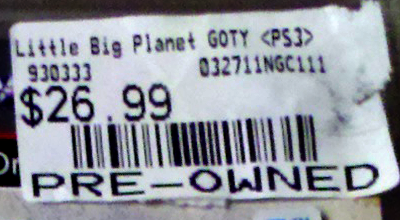
 Being a gamer is an expensive hobby. There’s always a ton of new games to buy, new systems, DLC, peripherals, accessories, subscriptions… To help keep costs down, I try to buy pre-owned games when I can—especially the titles that have been on my radar for a while, but I never quite got around to playing. When GameStop is running a “Buy One, Get One” or “Buy Two, Get One” promotion, I’m usually all over it. (By the way, don’t you just hate the term “pre-owned”?)
If you don’t mind owning games secondhand, you can get some good deals this way. Unfortunately, buying used also means your game’s case and paper insert are likely to be covered in multiple layers of price tags, stickers and gunky residue. It’s enough to make the collector in me twitch.
Here’s how you can clean up your pre-owned games and make them look (almost) new.
What You’ll Need:
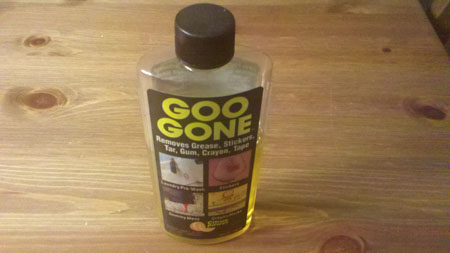
- A bottle of Goo Gone
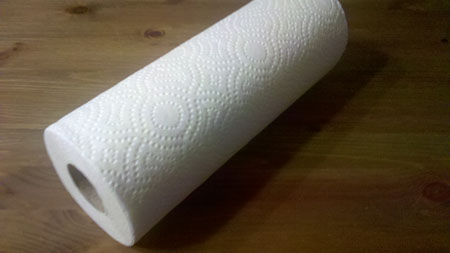
- Roll of paper towels
- A plastic scraper tool, or your fingernail (if it’s long and sturdy enough)
Before
Here’s some “before” pictures of Little Big Planet, one of the used games I started with:
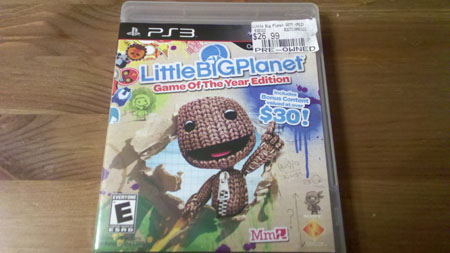
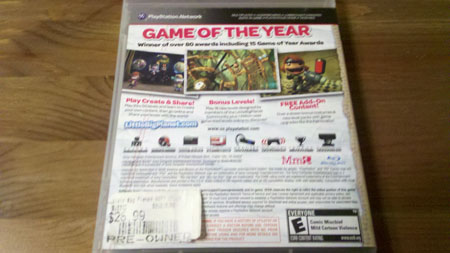
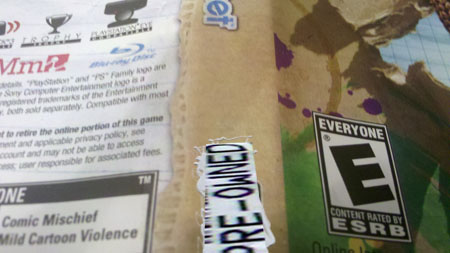
There was even a sticker on the game’s paper insert. GameStop is especially guilty of putting stickers here, whichreally pisses me off. But that’s OK; we can take care of it.
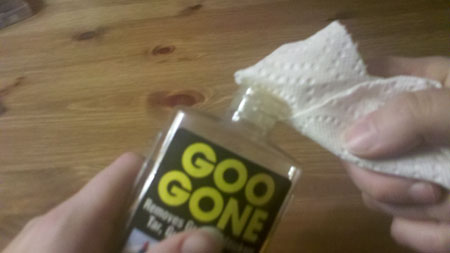
Step 1: First, wrap a paper towel around your index finger and wet it with a few squirts of Goo Gone. (It’s safe for skin contact, and even has a pleasant lemon-fresh scent!)
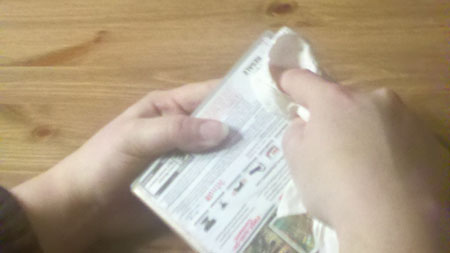
Step 2: Apply the moistened paper towel directly to the sticker. Press down hard all over the sticker to make the Goo Gone penetrate the layers of paper; usually there’s a glossy top layer and a thin, fuzzy backing (which is the crap that leaves the most residue).
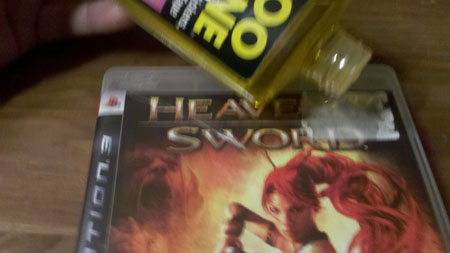
For extremely stubborn residue, you might need to pour Goo Gone directly on the sticker, completely saturating it:
Step 3: Gently peel away the sticker with your fingernail or plastic scraper tool. I would recommend NOT using a razor blade, which could accidentally pierce right through the plastic case. Rub the edges until you can slip your fingernail or scraper underneath, then slowly and gently scrape until the sticker comes off; if you’re lucky, in one piece.
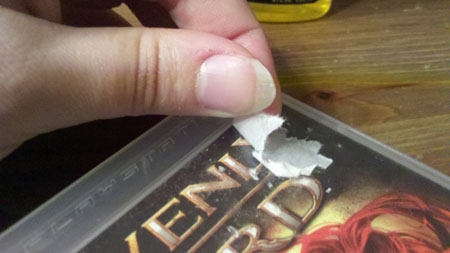
Step 4: You’ll most likely have a fine layer of sticky gunk left behind on the case when after removing the sticker, like this:
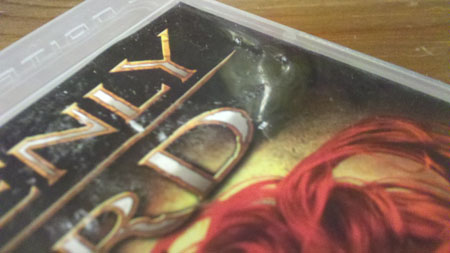
Dampen another paper towel with more Goo Gone and rub it all over the sticky surface. The Goo Gone will remove all the tiny bits of crap. Keep polishing the plastic with the moistened paper towel until the surface is smooth and shiny.
Step 5: If there are stickers on your game’s cover insert (the horror!), you’ll need to remove it from the plastic case.
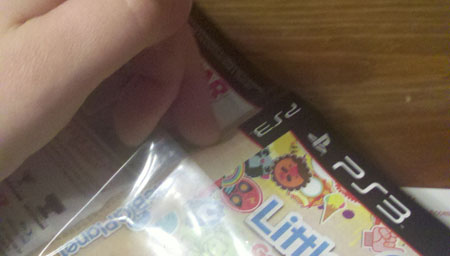
Step 6: This part is tricky, and much harder than removing stickers on the plastic case because you won’t be able to use Goo Gone, which could damage the paper. With your fingernail or scraper, slowly and gently scrape at the edges of the sticker until it starts to “roll up” under your nail or scraper edge. Work from the edges toward the center of the sticker, rolling it up bit by bit until you can peel it away.
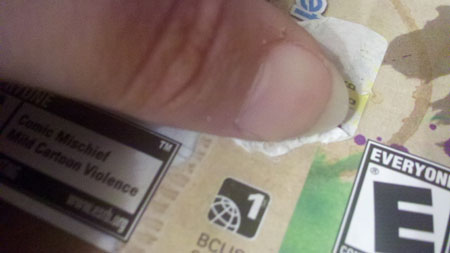
The cover inserts are pretty glossy, so usually the sticker will come off clean, as long as you’re careful…it’s just an annoyingly slow process. Put the cover insert back inside of the plastic case when it’s clean.
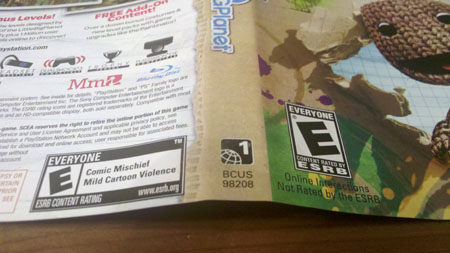
After
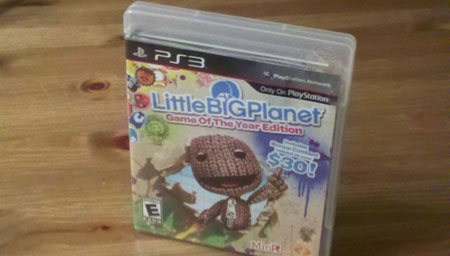
Ta-da! When you’re all finished, you should have a relatively new-looking game before you:
Of course, there’s a couple of things you can do while you’re shopping to avoid sticker frustration and buy the newest-looking games possible. Here are some tips:
- Closely inspect the games before you buy them. Is the cover insert torn? Are there scratches or frayed edges on the plastic cover? Try to find the newest-looking copy you can. At GameStop, the game box you pull of the shelf is the one you’re taking home.
- If a game doesn’t have a cover or booklet (or both), don’t buy it. There’s usually multiple copies of the same game floating around, some with and some without all the packaging. And retardedly, they’re usually the same price no matter what condition they’re in.
- Test-peel the stickers while you’re still in the store to see if they seem like they’ll come off cleanly. Avoid the boxes with multiple layers of sticker build-up and go for the ones that look like they haven’t been sitting on the shelves for months on end.
Yes, I realize this all seems a bit anal-retentive, but when you love your games as much as I do and enjoy showing off your collection, it’s worth taking the extra time to make ’em look shiny and new. And who doesn’t love shiny things?